---
title: "Sharing between organisations"
description: "Share courses and other items between organisations, and how a shared course runs in a mirror."
image: "https://docs.quirelms.com/og.png"
---
> Documentation Index
> Fetch the complete documentation index at: https://docs.quirelms.com/llms.txt
> Use this file to discover all available pages before exploring further.
# Sharing between organisations
The shared space (`/admin/sharing`) lets an organisation offer courses,
programs, course templates, question banks and reports to other organisations,
and take up what they offer. It needs a plan that includes the shared space;
without one the page says so and points to **Plan and billing**. Sharing with
organisations outside your own family of organisations needs a larger plan
again.
## Offer something
Under **Share an item**, choose the item, then who it is for:
- **Selected organisations**: tick organisations in your family, or enter the
addresses of organisations outside it, separated by commas.
- **Every organisation under this one**.
- **Every organisation on the installation**, which is offered only on a plan
that includes sharing outside your family.
A course is always shared **for use**, which is described next. A course
template, program or report is offered as a **copy**, which hands the other
organisation a snapshot taken now; the copy becomes theirs and later changes on
either side do not reach the other. A question bank can be offered either way.
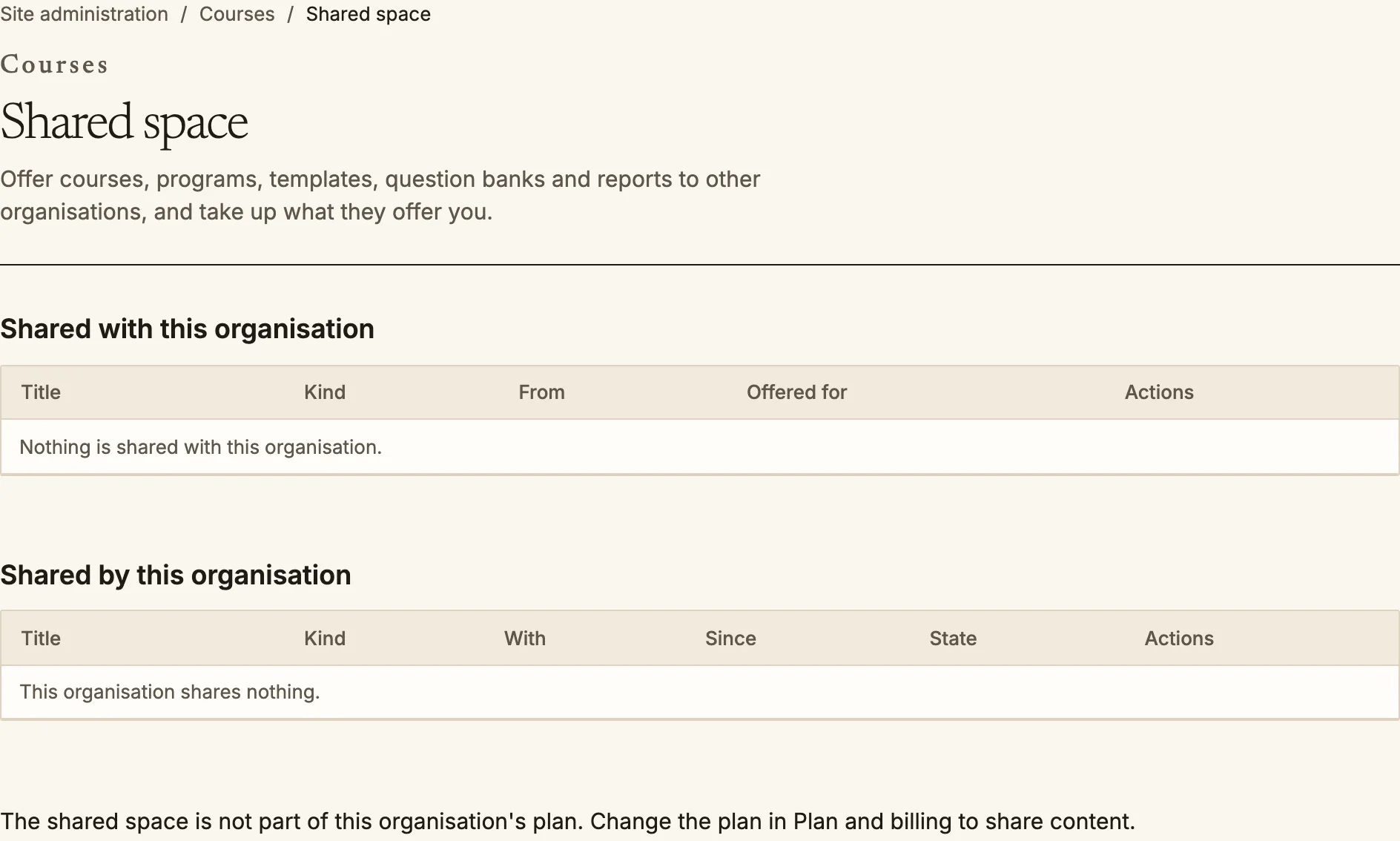
**Shared by this organisation** lists what you offer, with its audience and
state. **Stop sharing** revokes an offer. **Publish a new version** refreshes a
shared course for the organisations using it.
Shared space lists what you have taken up and what you offer.
## A shared course runs in a mirror
When an organisation takes up a course shared for use, its learners do not work
inside your course. The first time one of its people is enrolled, Quire restores
a copy of the course, without any people, grades or posts, into the consuming
organisation, in a category called **Shared with us**. That copy is an ordinary
course there:
- Every activity runs on its own player: quizzes, SCORM packages, assignments,
interactive content, lessons and the rest.
- Attempts, submissions, grades and completion are recorded in the consuming
organisation, and its gradebook, reports, search and notifications treat the
course like any of its own.
- Your people and theirs do not see each other. A learner sees the course in
**My courses** marked as shared by your organisation.
Until the copy exists, and for shares made before snapshots existed, learners get
a reduced view that can read pages and tick manual activities. Once the copy
exists they are sent to the real course.
### What publishing again does
When you **Publish a new version**, each consumer's copy picks up the activities
you have added, in the sections its learners already work in, the next time one
of its people is enrolled. It does not change an activity that is already in a
consumer's copy, because learners' work hangs from it, so a correction you make to
an existing activity does not reach copies already made. A consumer's
administrators can edit or delete activities in their copy, and publishing again
does not undo that.
### Collaborative activities
Forums, wikis, chats, workshops and databases are closed in a mirror. Opening one
is a decision each organisation records for itself, per activity, with a reason,
and two organisations see each other in it only when both have agreed. What the
two organisations then share is the list of who can see whom. The posts
themselves stay in each organisation's own copy, so people see each other's names
and not each other's content.
## Taking up an offer
**Shared with this organisation** lists what others offer, with its title, kind
and sender. **Copy** takes a snapshot of a template, program, question bank or
report. For a program you can copy it **using your own courses** (matched by
short name) or **with copies of its courses**; courses that cannot be matched or
have no backup to copy are listed as not included. A copy arrives unpublished.
One limit to know about: a random quiz slot in a shared course still draws from
the owner's question bank, not the consumer's.
Source: https://docs.quirelms.com/admin/sharing/index.mdx