---
title: "Content bank"
description: "Keep files and interactive content once and reuse them across courses."
image: "https://docs.quirelms.com/og.png"
---
> Documentation Index
> Fetch the complete documentation index at: https://docs.quirelms.com/llms.txt
> Use this file to discover all available pages before exploring further.
# Content bank
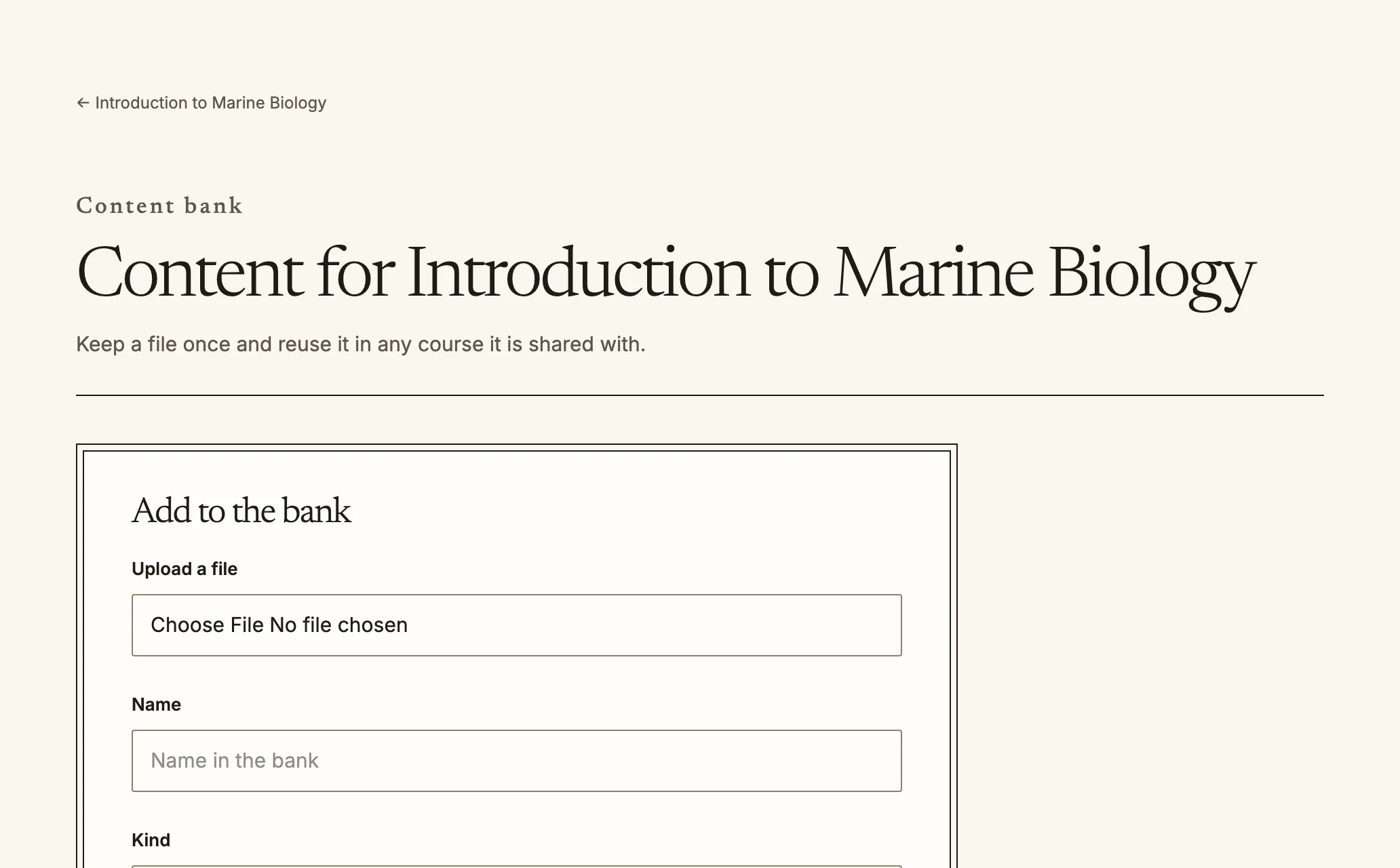
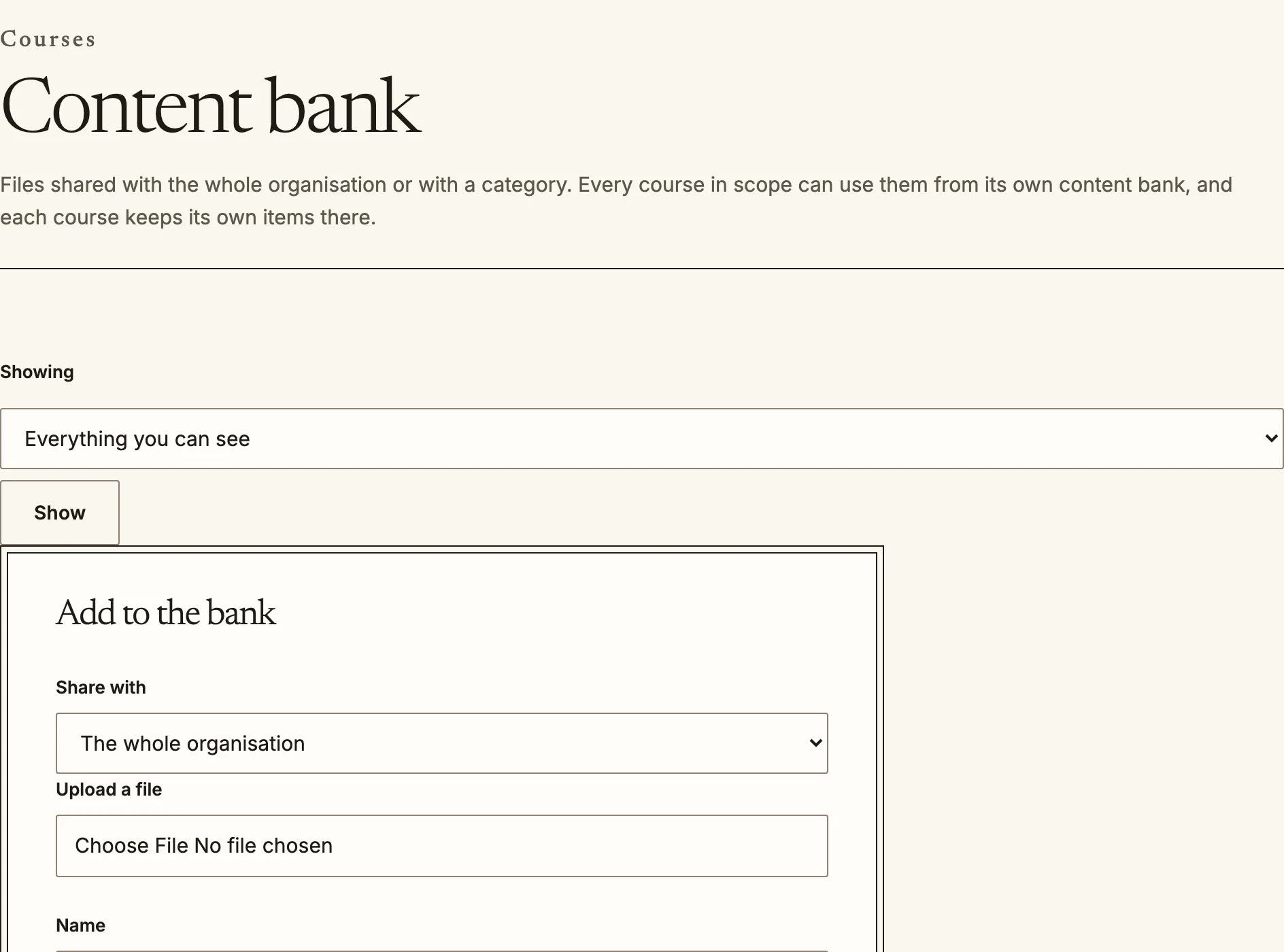
The content bank keeps a file, image, video, document, interactive activity or
set of questions once, so any course it is shared with can reuse it. Each course
has its own bank at `/courses//content-bank`, and administrators manage
the organisation's and each category's bank at `/admin/content-bank`.
A course content bank. Items shared with the course appear here too.
## Who sees what
An item is shared with one scope:
- **This course**: only that course's bank lists it.
- **Category**: every course in that category can use it.
- **Whole organisation**: every course can use it. Sharing with the whole
organisation needs its own permission, so not every teacher has it.
A course's bank lists the items that course can use, each with its kind, where it
is shared, how many versions it has and how many times it is used.
The organisation content bank, for items every course in scope can use.
## Add, reuse and change items
1. Upload the file where the bank asks for it, then **Add item** with a name and a
kind. Choose what to share it with.
2. To use an item, choose **Add to course** with the section it goes in (for
interactive content, this creates the activity).
3. **Rename**, change **Shared with**, or **Delete from bank** from the item's
actions. You can change items you added; changing anyone's needs a wider
permission.
Interactive activities take their content from the bank. If the item an activity
uses is no longer available, the activity says so and asks the teacher to choose
another.
## Versions
Every item keeps its versions. An activity or resource that is decorative follows
the current version, so fixing a typo in a shared diagram reaches every course that
shows it. Assessed content is pinned to the version it was built with, because
changing a question or an interaction under a quiz learners have already taken
would change the assessment after the fact.
Source: https://docs.quirelms.com/teacher/content-bank/index.mdx