---
title: "内容库"
description: "集中保存文件和交互式内容,并在多个课程中重复使用。"
image: "https://docs.quirelms.com/og.png"
---
> Documentation Index
> Fetch the complete documentation index at: https://docs.quirelms.com/zh-Hans/llms.txt
> Use this file to discover all available pages before exploring further.
# 内容库
内容库会集中保存文件、图片、视频、文档、交互式活动或题目集,供所有共享此内容的课程重复使用。每门课程在 `/courses//content-bank` 下都有自己的内容库;管理员可在 `/admin/content-bank` 管理组织和各类别的内容库。
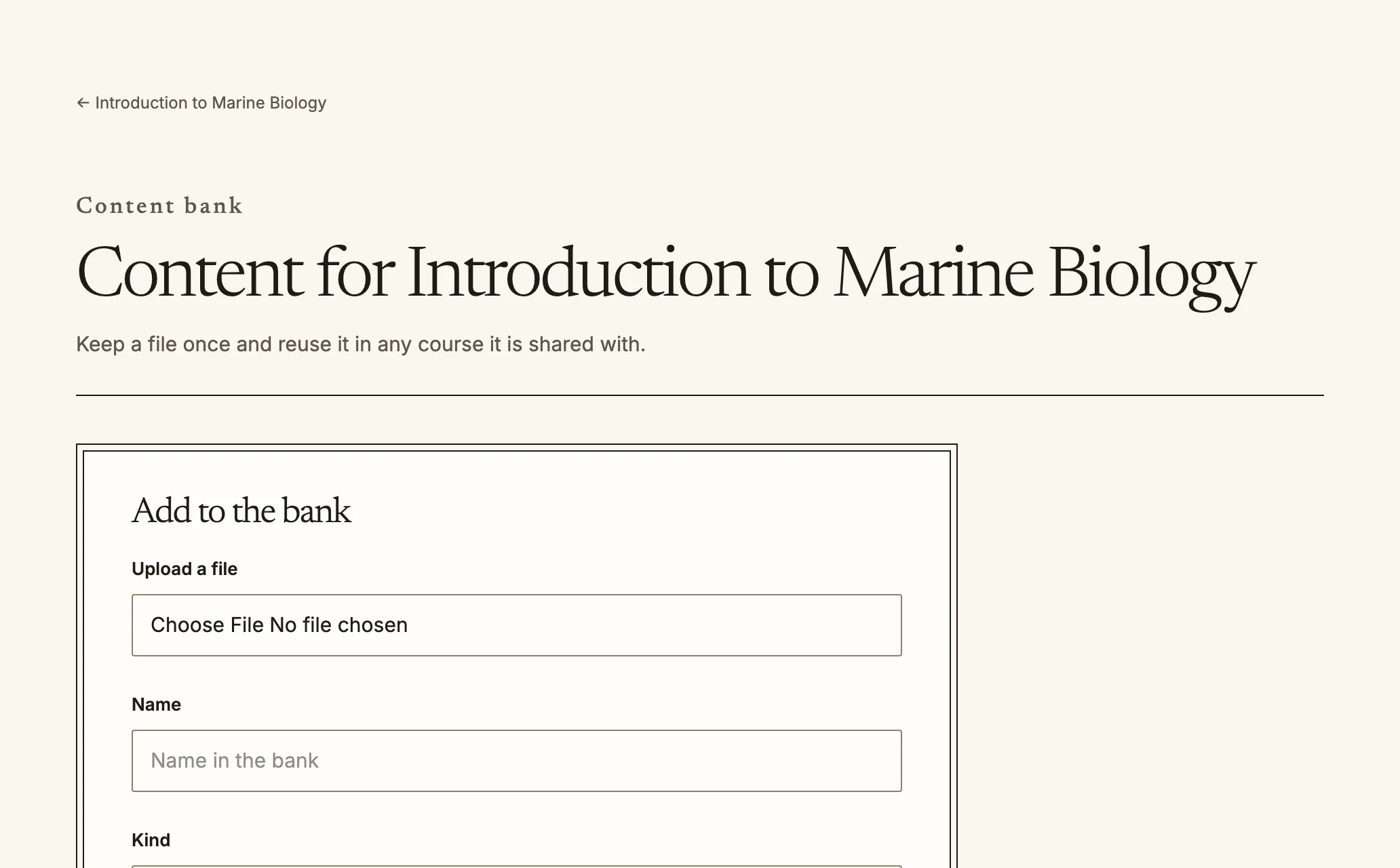
A course content bank. Items shared with the course appear here too.
## 谁可以看到哪些内容
每个项目都可以按一种范围共享:
- **此课程**:只有该课程的内容库会列出项目。
- **类别**:该类别中的所有课程都可以使用项目。
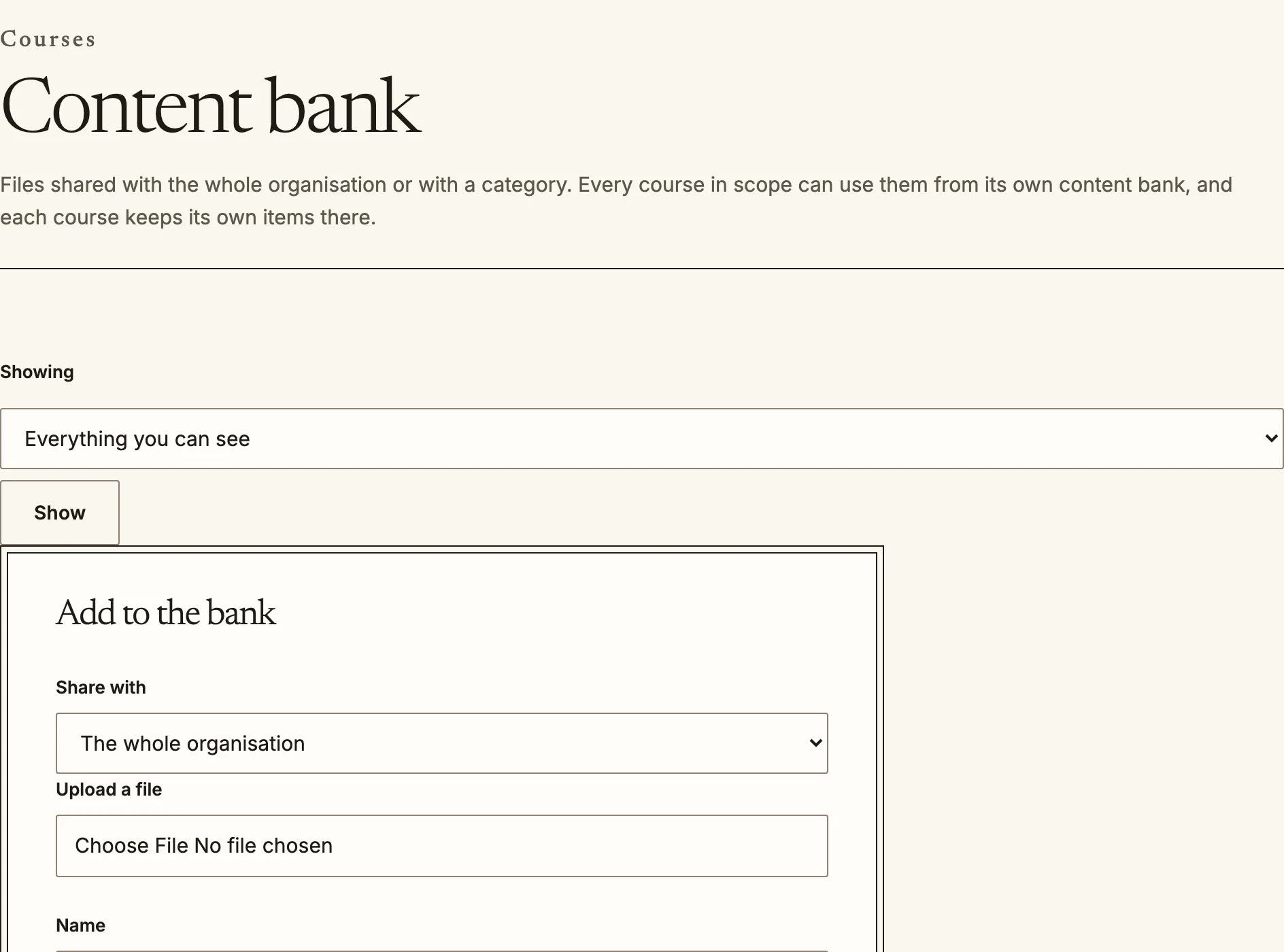
- **整个组织**:所有课程都可以使用项目。共享给整个组织需要专门的权限,因此并非所有教师都有此权限。
课程内容库会列出该课程可用的项目,并显示项目类型、共享范围、版本数和使用次数。
The organisation content bank, for items every course in scope can use.
## 添加、重复使用和修改项目
1. 按内容库的提示上传文件,然后选择**添加项目**,填写名称并选择类型。再选择共享范围。
2. 要使用某个项目,请选择**添加到课程**并指定要放入的章节(交互式内容会因此创建为一项活动)。
3. 可在项目操作菜单中选择**重命名**、修改**共享范围**或**从内容库删除**。您可以修改自己添加的项目;修改他人添加的项目需要更高权限。
交互式活动会从内容库获取内容。如果活动使用的项目不再可用,活动会说明情况,并要求教师选择其他内容。
## 版本
每个项目都会保留多个版本。装饰性活动或资源会自动使用当前版本,因此修正共享图表中的错字后,所有显示该图表的课程都会同步更新。评分内容则会固定使用创建时所用的版本,因为如果更改学习者已经参加过的测验所用的题目或交互内容,就会事后改变评估内容。
Source: https://docs.quirelms.com/zh-Hans/teacher/content-bank/index.mdx